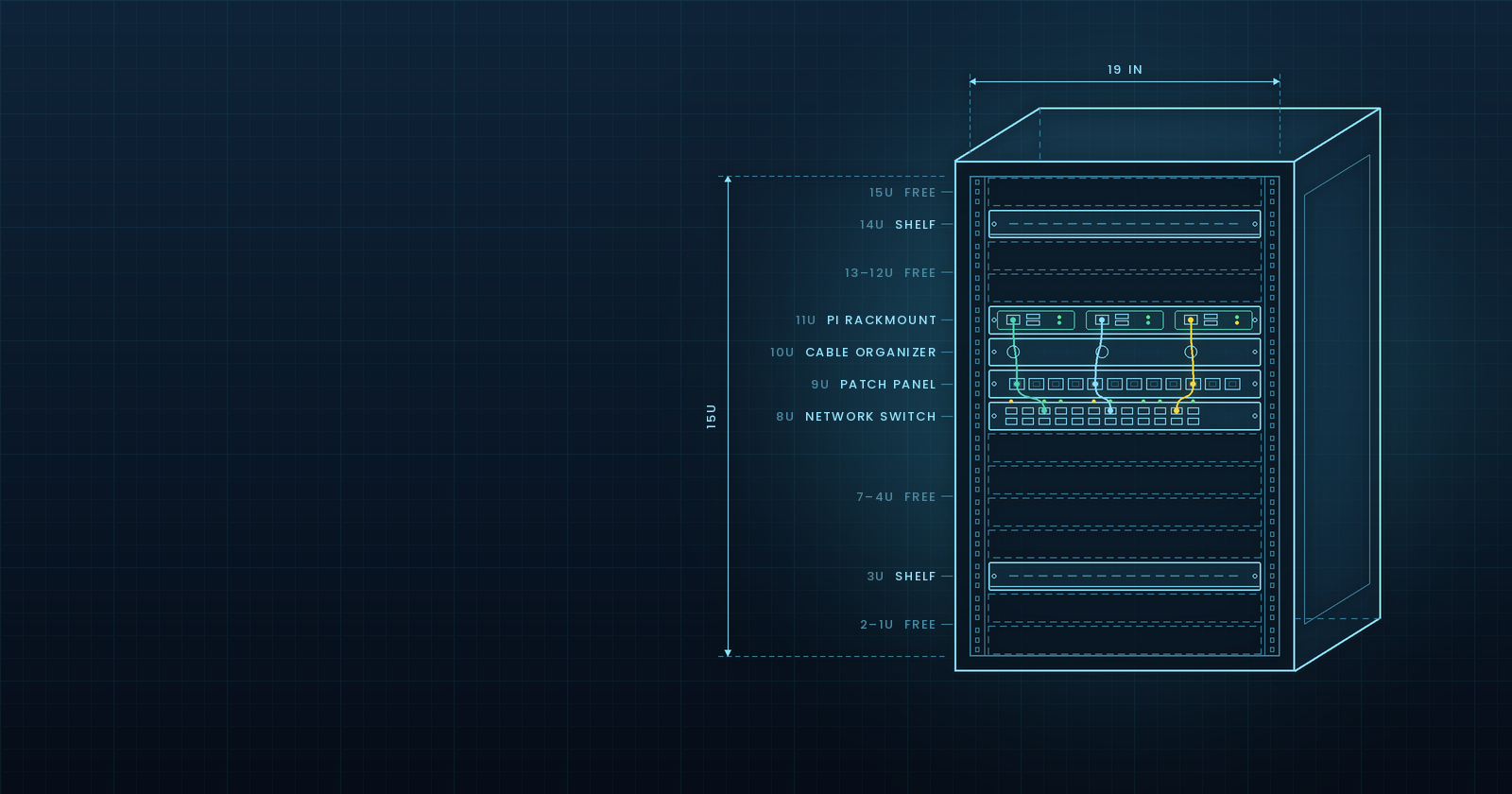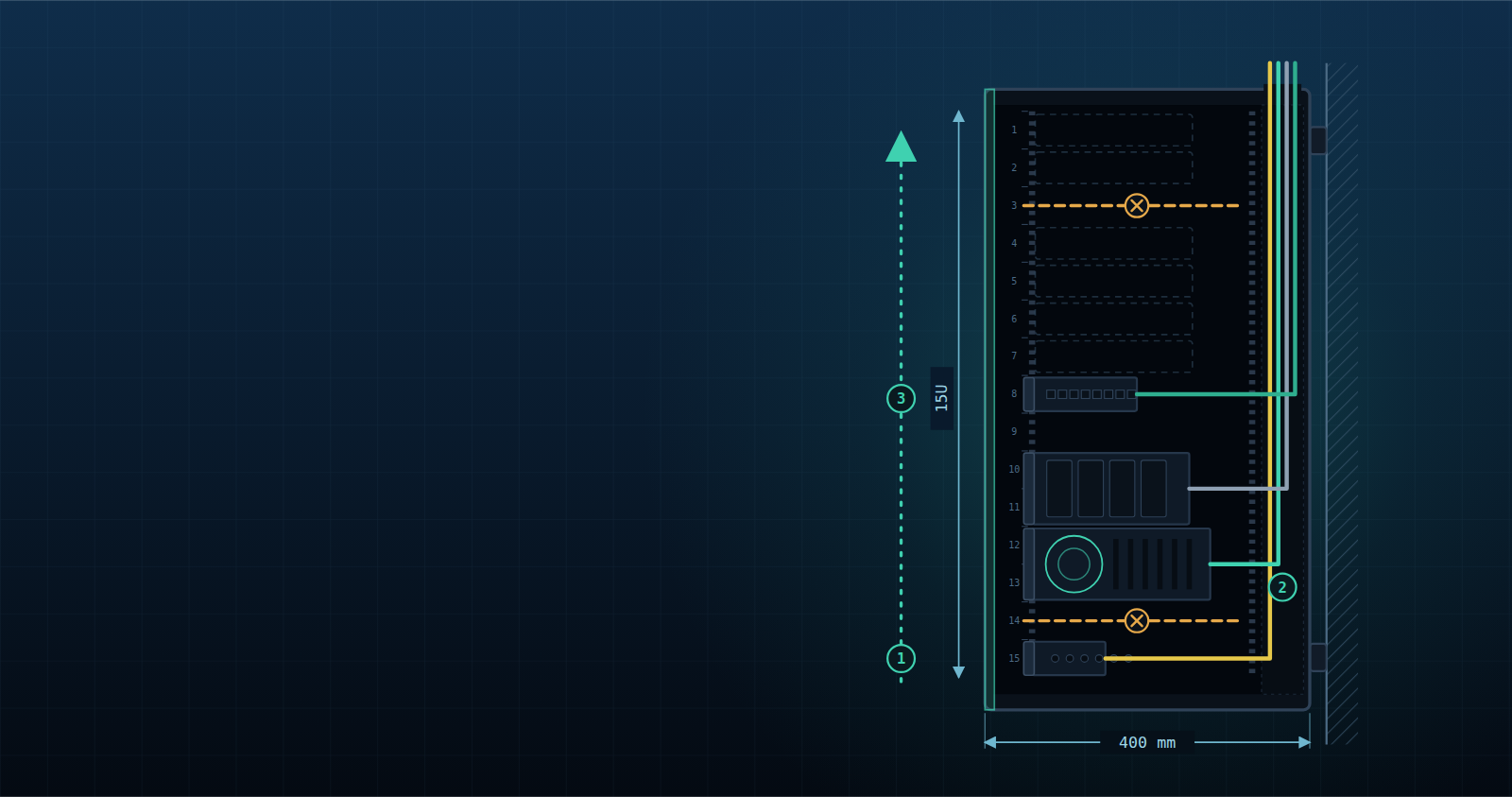

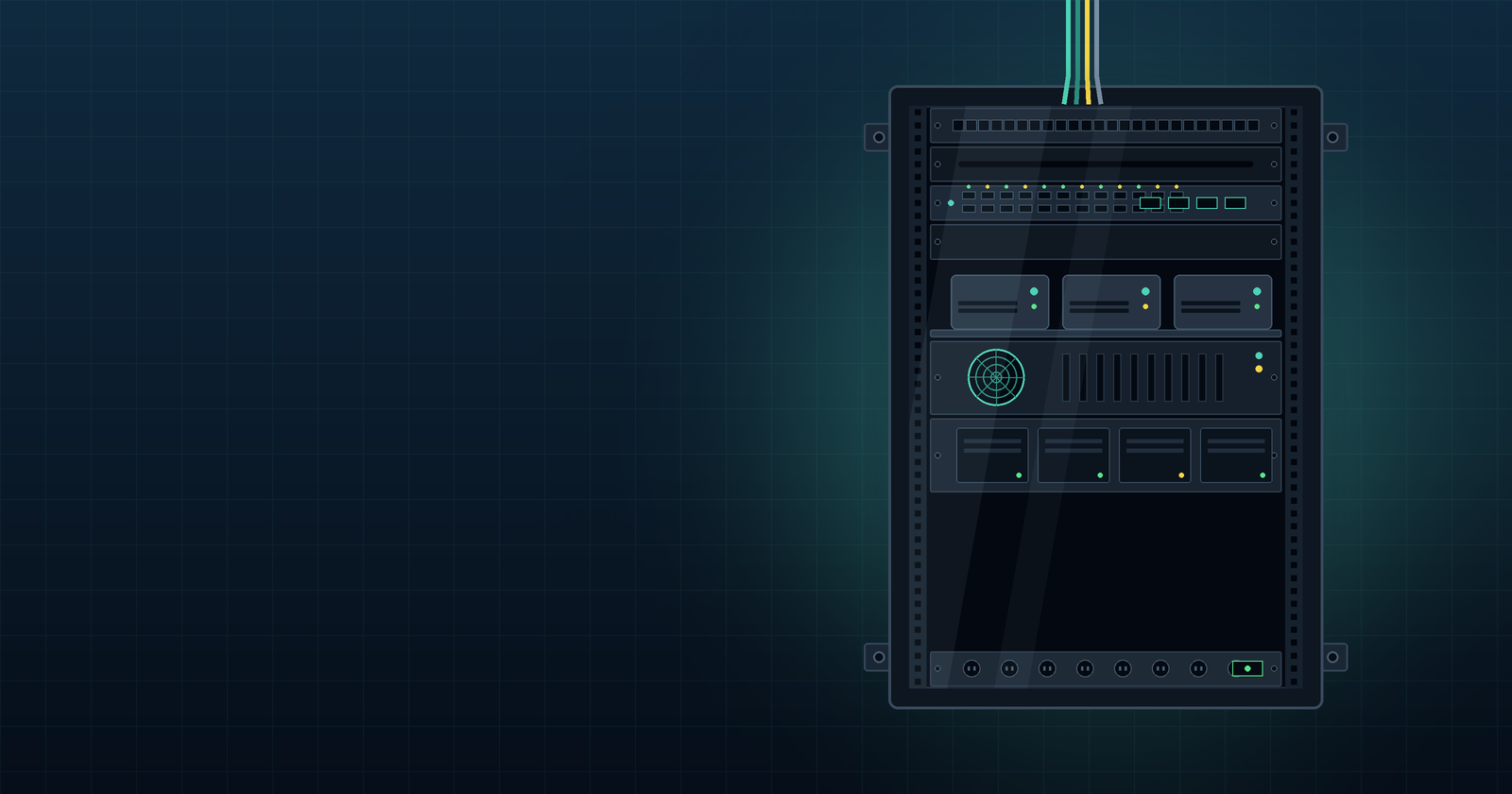
Update: The missing rails arrived. In From Chaos to Rack & Roll, I tear the rack down, plan the layout properly, and rebuild it with rear cable management. The glass door problem from this article comes up again there.
Introduction
Every homelab needs a physical foundation.
Before building clusters, running services, experimenting with local AI, or breaking things in the name of learning, there is a more basic question:
Where should all the hardware live?
For The Vrain Lab, that foundation is a LogiLink W15A40B 19-inch wall-mounted rack cabinet. It is not a datacenter rack and it will not host dozens of servers, but it provides a structured starting point for building a small, reliable, and maintainable home infrastructure.
This is the first article in Bare Metal Minds, a series about local infrastructure, self-hosting, physical hardware, and experiments with real machines.
Planning
In the summer of 2025, after my daughter was born, I cleaned out my office and threw away years of accumulated stuff. That led to a bigger plan: a larger desk, and a rack to keep my devices and cables organized.
I measured first. The rack had to fit under the desk. A common ergonomic rule puts desk height at body height divided by 2.48, which for me meant the rack could not be taller than 75 cm. It also could not be deeper than 600 mm.
I researched on paper and compared options. Open frame racks were the obvious alternative. I wanted something between the two: a cabinet I configure myself, with a glass door and side panels to dampen noise and keep dust out. The glass door turned out to be a mistake. More on that later in this series.
I ended up with the LogiLink W15A40B ECO Wandschrank, 15U, for €134.16.
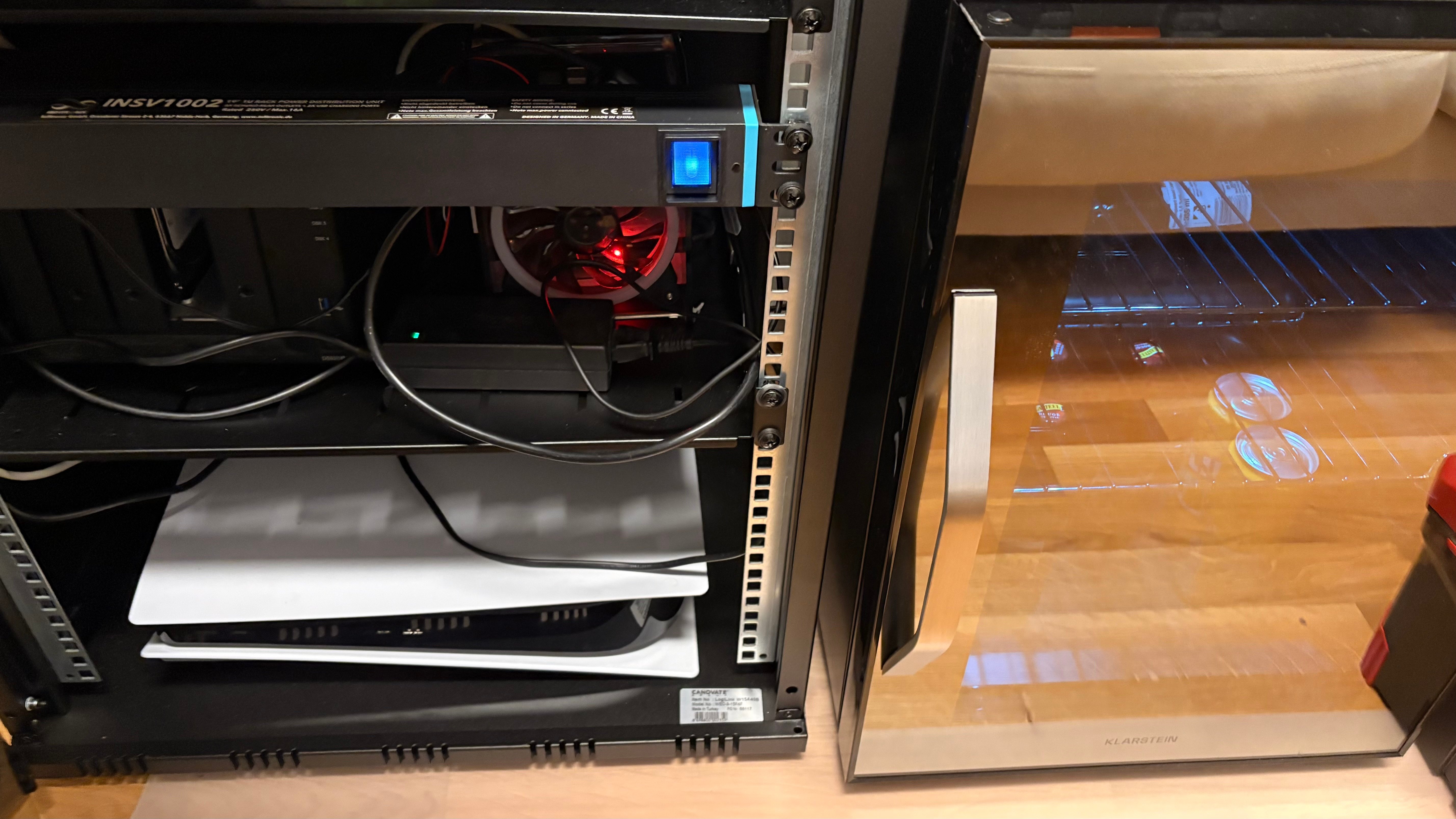
For power I added an Infitronic INSV1002A: a 1U aluminium 19-inch PDU with 8 outlets, 2 USB ports, and an LED gooseneck service lamp. Its 3680 W rating is 230 V × 16 A, the limit of a standard 16 A circuit. I chose it for three reasons. It takes only one unit, it has enough outlets for my experiments, and the illuminated switch gives me one place to cut power if an experiment goes wrong.
Choosing the rack
Size: 15U gives me room to grow while staying under the 75 cm limit.
Mounting the cabinet: easy.
Mounting everything else: shelves and cable management turned into a small disaster.
What went in first
On day one I moved everything into the rack:
GeeekPi Raspberry Pi Cluster with 3 Pis
Synology DS920+
a PS5
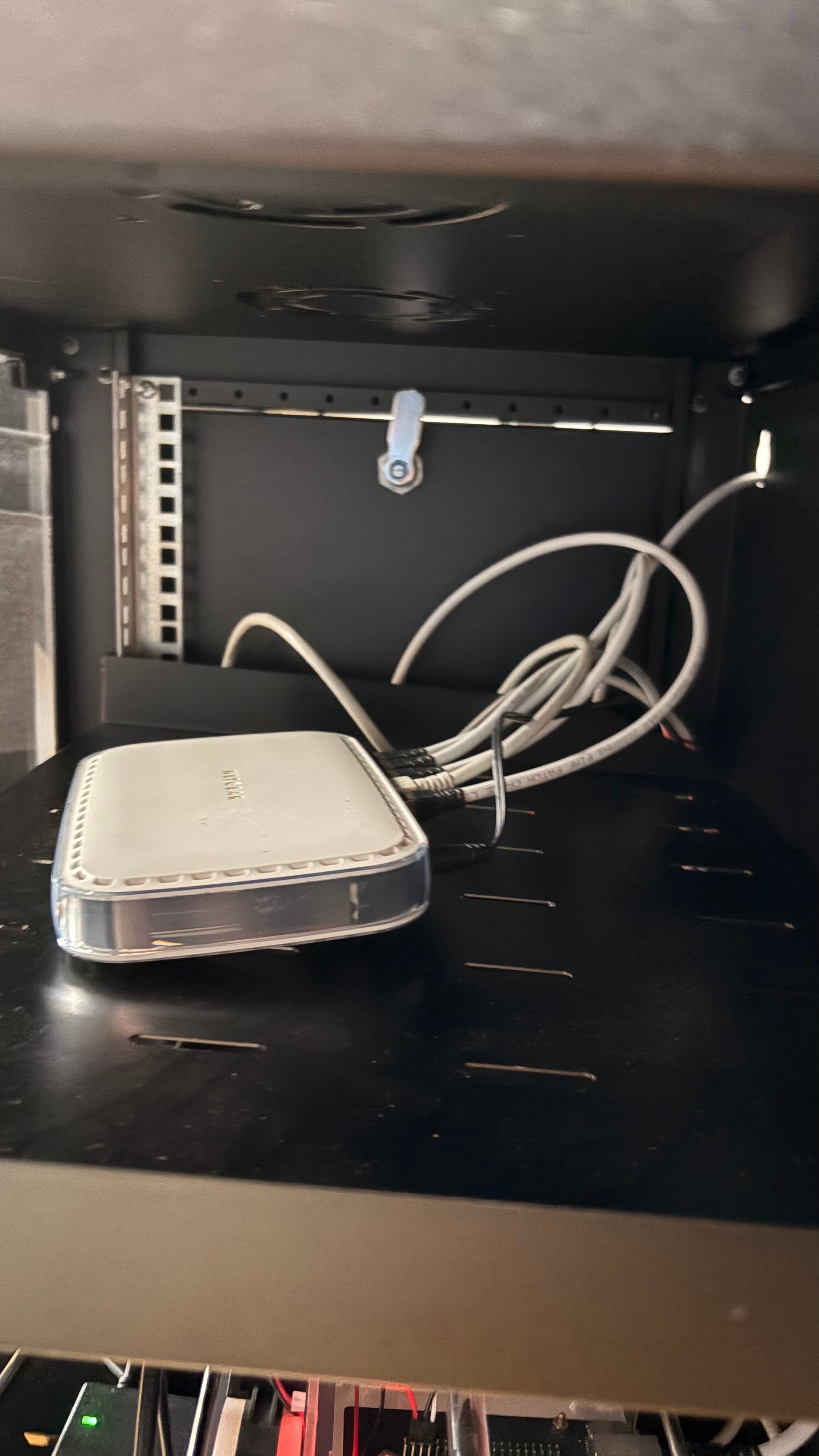
an old Netgear switch, splitting the LAN connection between the devices
No layout, no cable plan. I added everything and called it done.
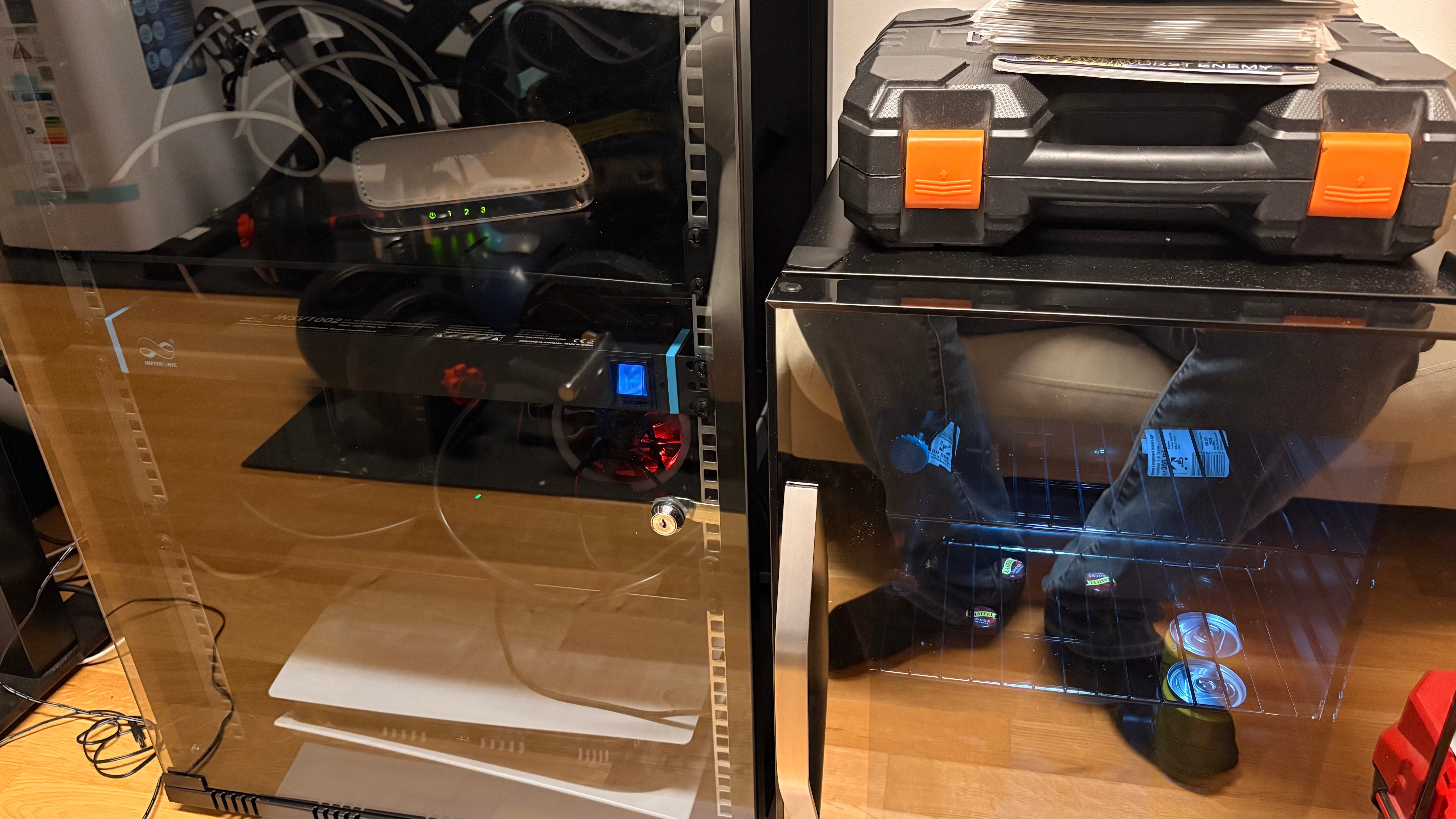
The mounting rail problem
This is where the lack of planning showed. I did not know how little the cabinet includes: two 19-inch mounting rails (Einbauprofile). Shelves that mount at four points need four rails, so you must buy two more.
I bought two rails with the part number WP0015 on the same day, and they did not fit. The sticker on the cabinet base reads Canovate, made in Turkey, so I searched for original parts. The only supplier I found was Technibuy. Their system had an error, and the earliest they could deliver the two rails was three months later. I accepted, because original parts for this cabinet are hard to find.
Without those rails I could not install proper cable management. I could not even route the LAN cable down the side. So I put everything in the cabinet as it was and waited.
Getting the cables out
I did not want to cut open the top of the cabinet at the back, so I improvised:
The network cable leaves through one of the keyholes meant for wall mounting.
The power cables leave through an opening I had to cut at the bottom.
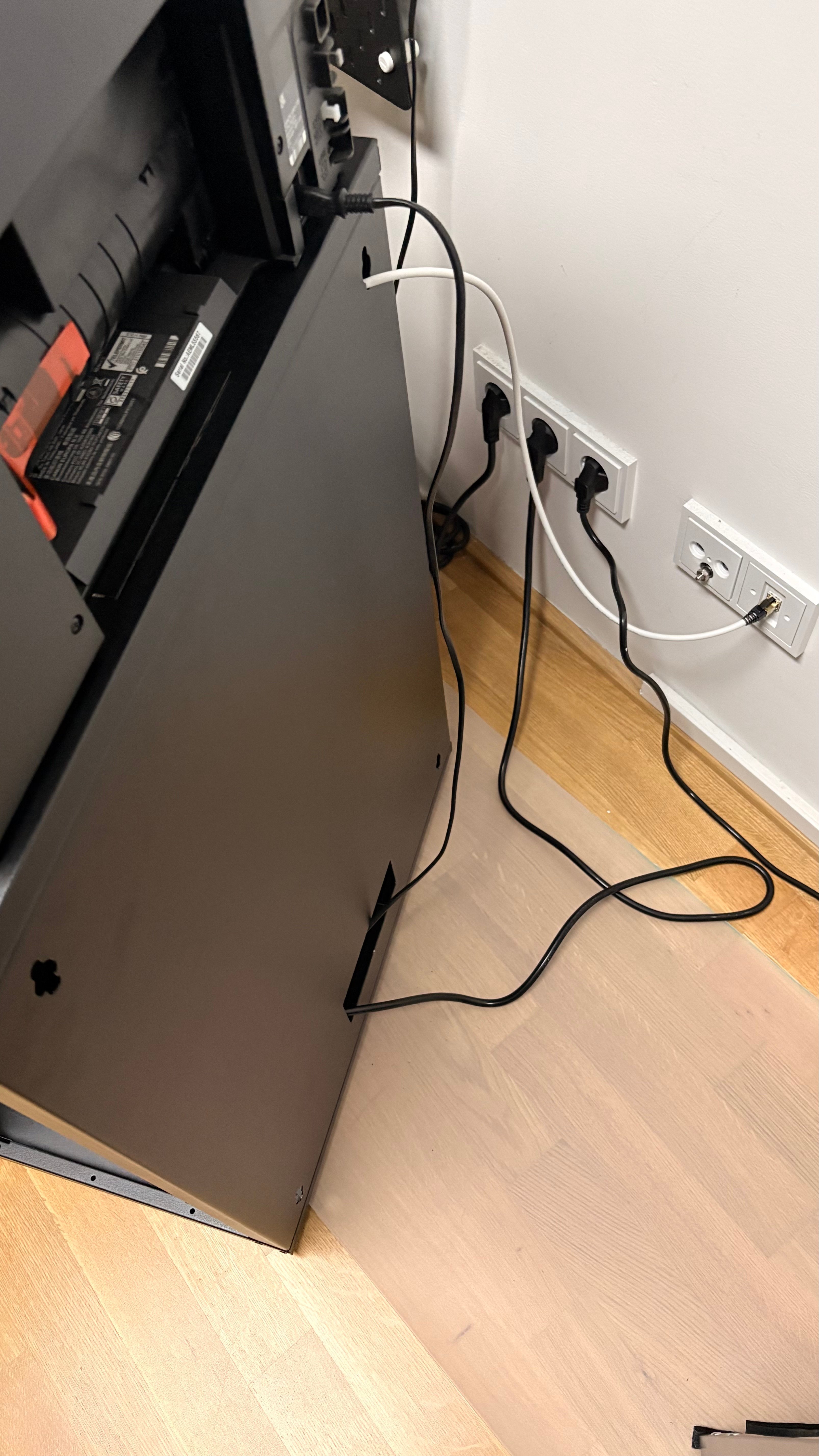
What I got wrong
I sketched the layout after buying the rack. I measured the space and researched on paper first, but a unit-by-unit layout came too late. It belongs before the purchase.
I did not check how shelves mount. Two rails or four decides what you can install.
I bought shelves “for now” and planned to figure out the rest later. Have a clear goal first.
I did not plan the cable entry points. Decide where cables enter and leave before the rack fills up.
What’s next
The "rack" is up, everything is plugged in, and it works. It is also a mess and cannot really be called a server rack.
Next in Bare Metal Minds: what changed once the missing rails arrived.
Comments
Join the discussionWow!