Pi, Switch, Repeat
Meet the Raspberry Pis, VLAN-ready switch, and cable-management choices powering my first homelab rack.
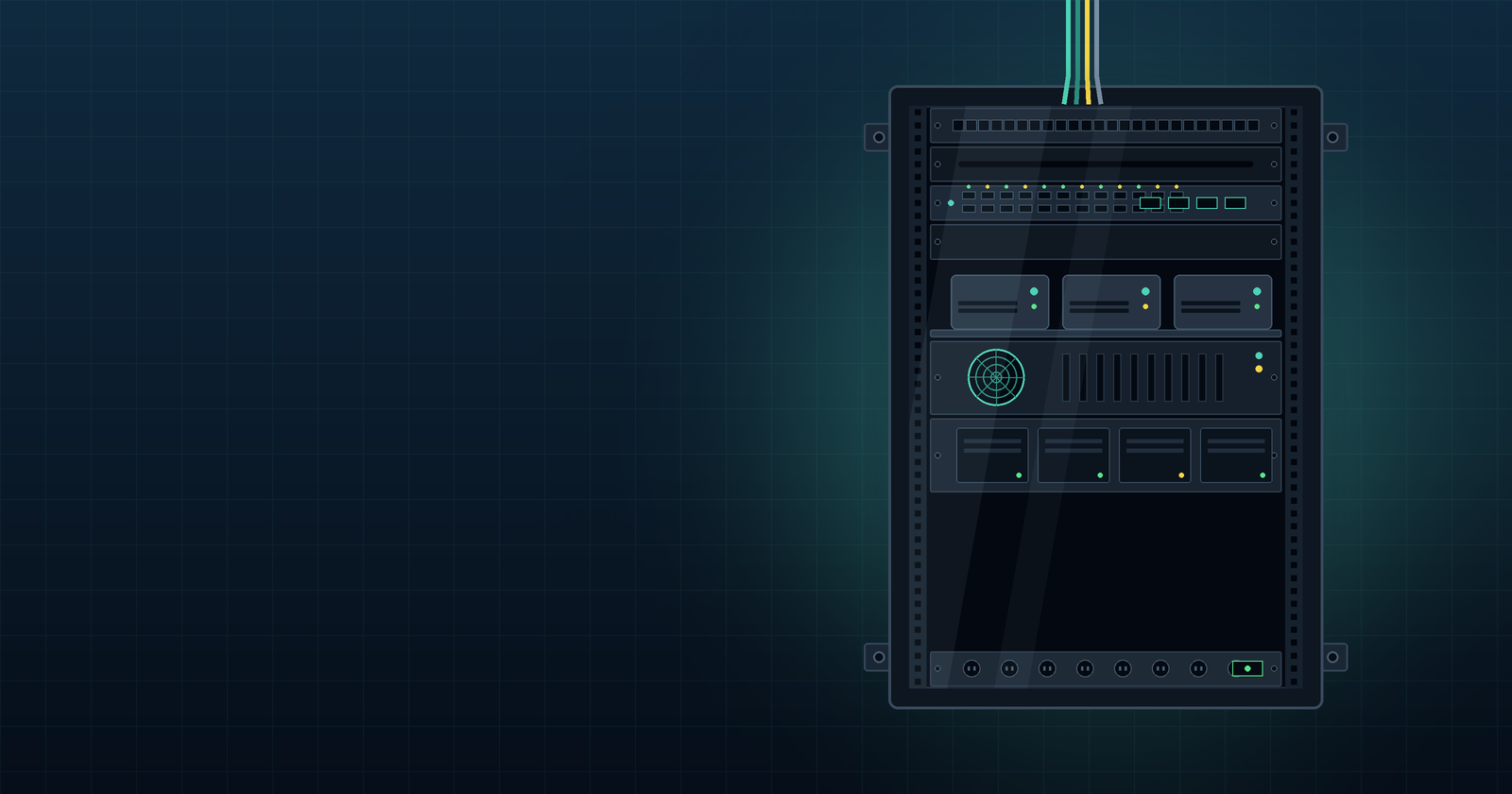
With the rack assembled, it was time to move the hardware into its new home.
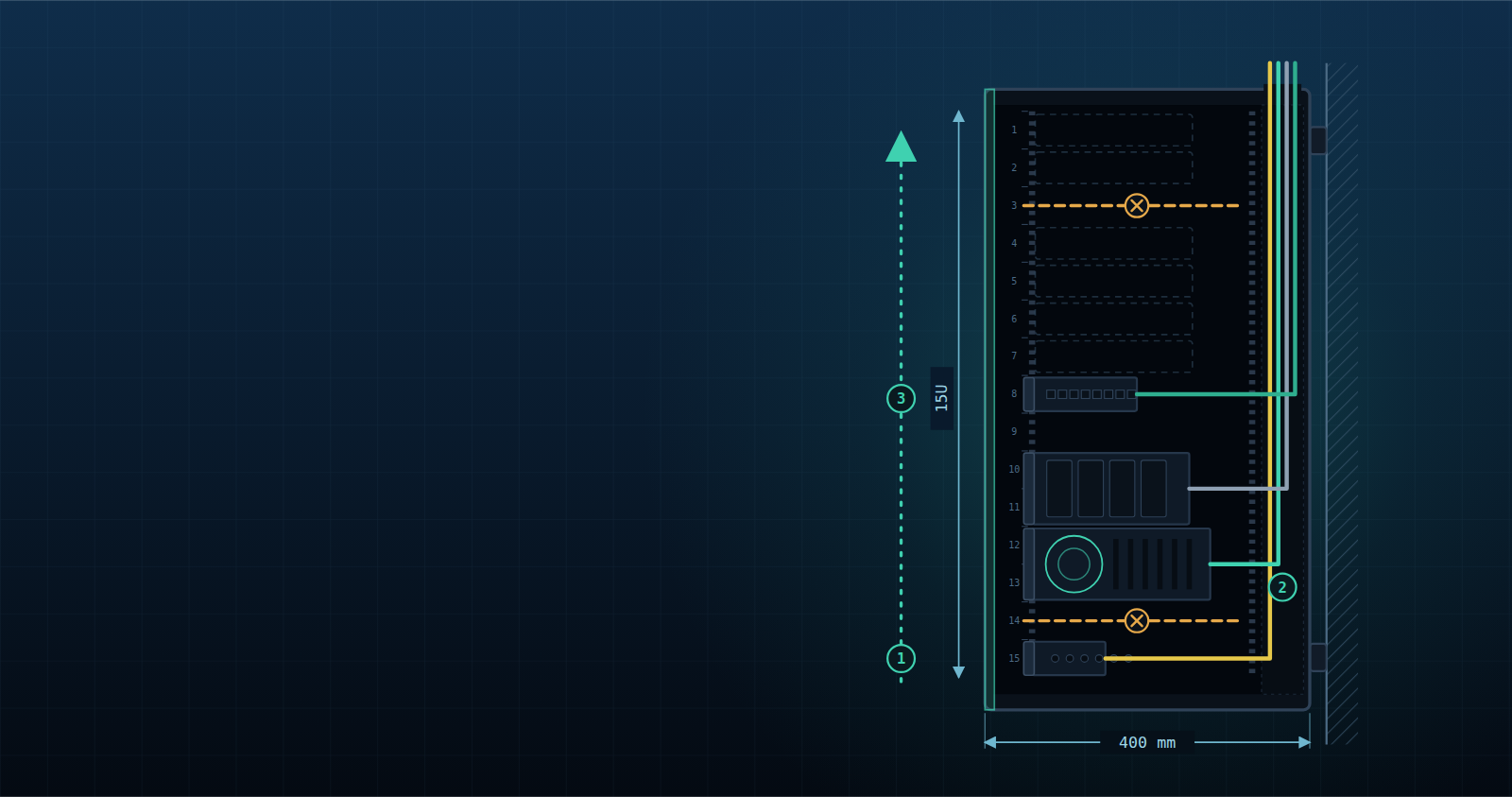
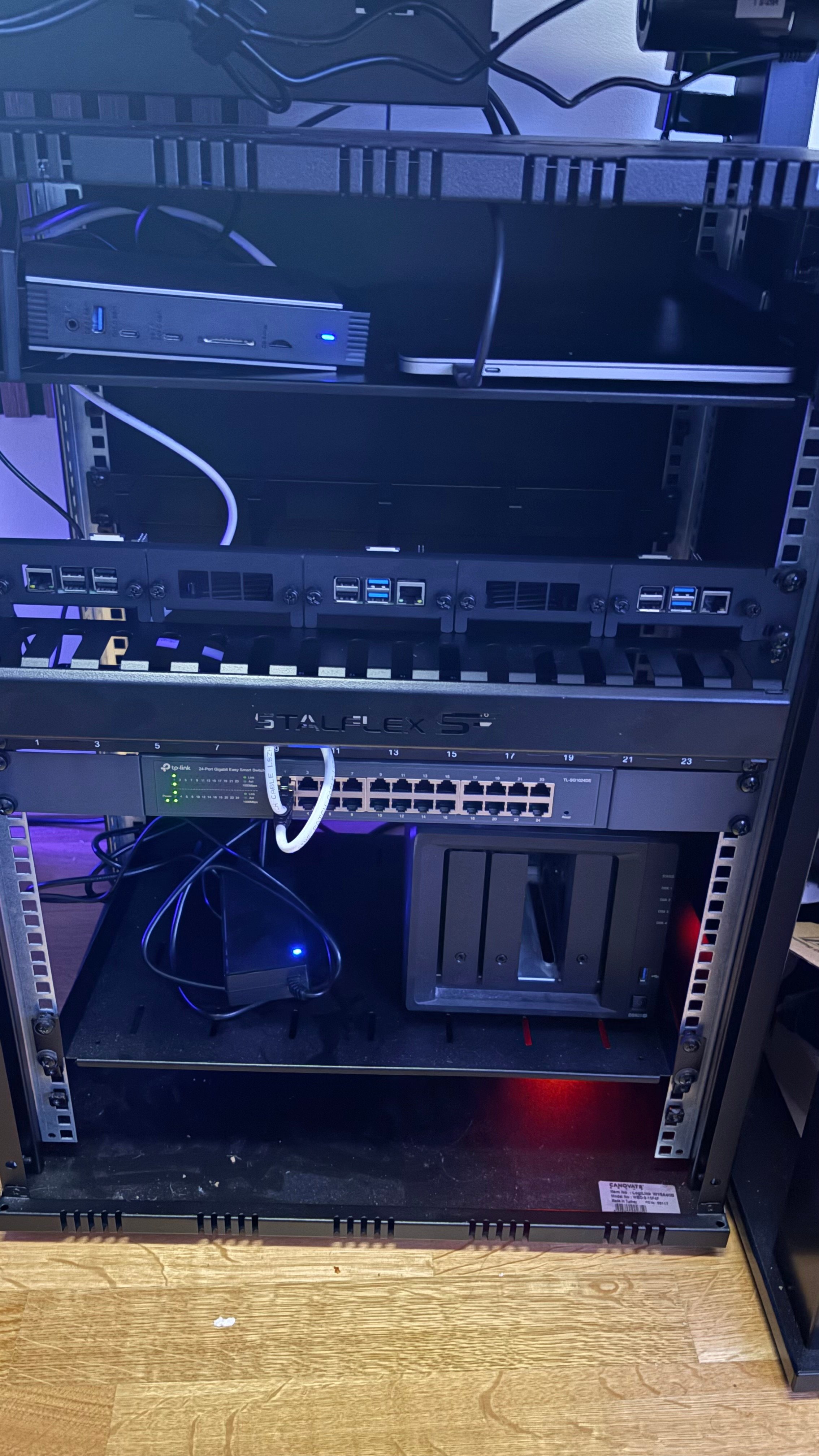
The cabinet is a 15U LogiLink W15A40B ECO wall-mounted rack with a depth of just 400 mm. That compact footprint shaped almost every decision. Once you account for shelves, cables, and rear access, space disappears surprisingly quickly.
Here's what made it into the rack.
Small Computers, Familiar Hardware
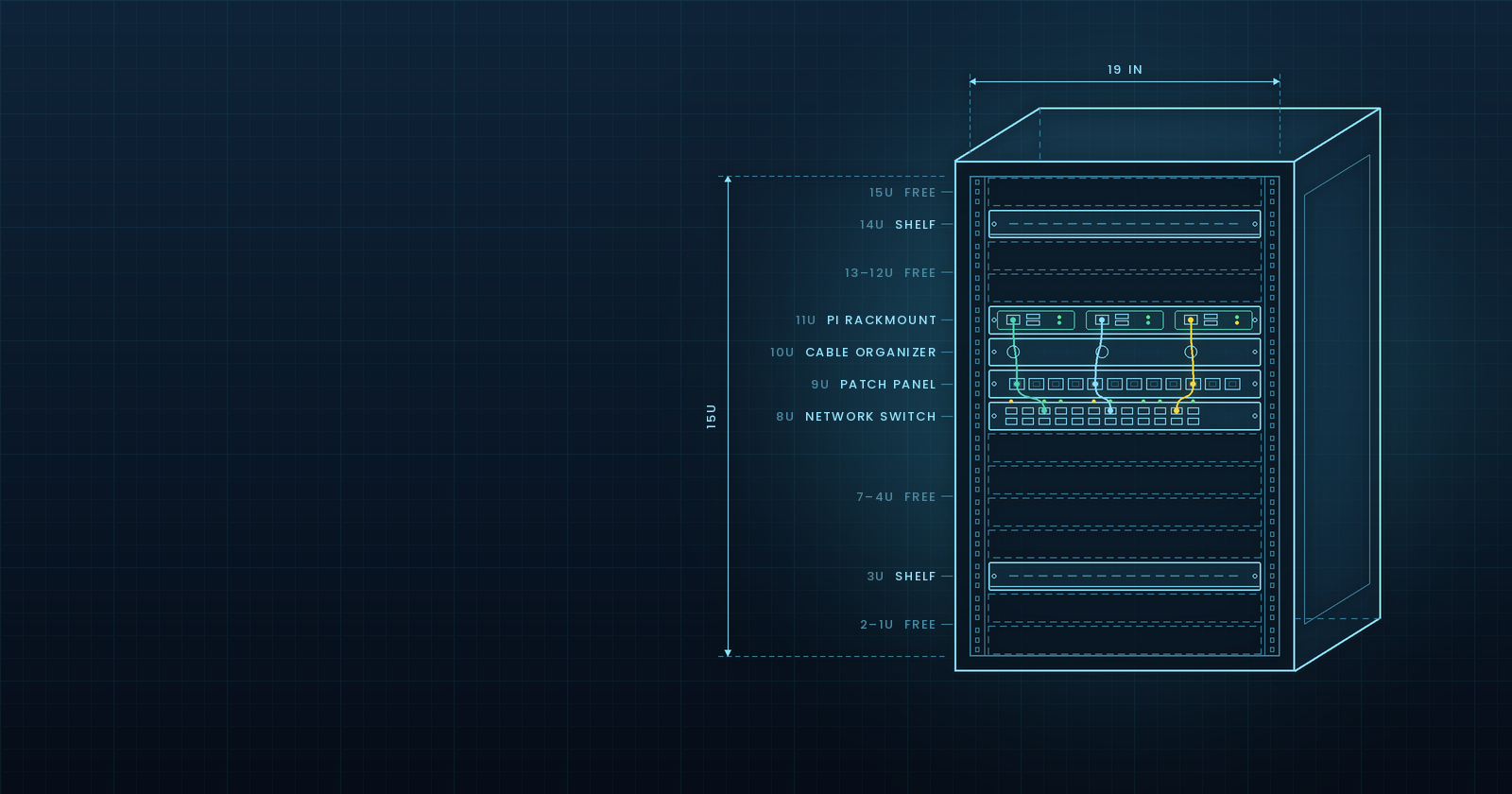
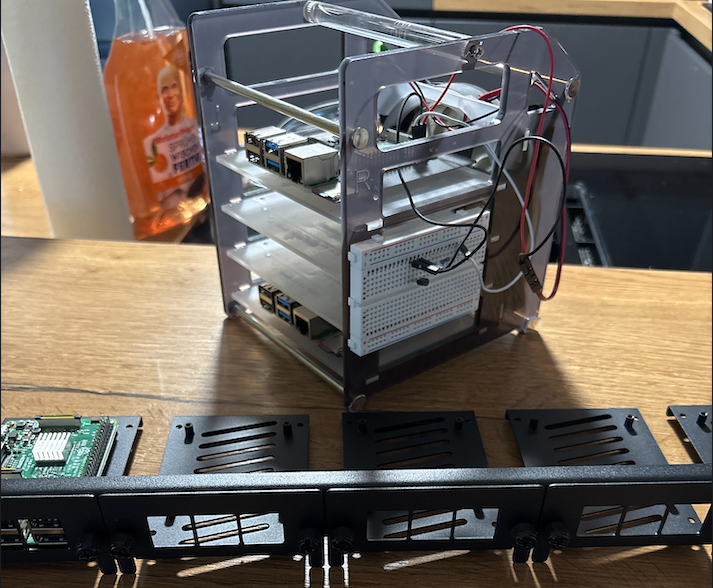
At 11U, three Raspberry Pis sit on a rackmount: two Raspberry Pi 4s with 8 GB of RAM for general computing workloads, and a Raspberry Pi 3 with 1 GB of RAM running OpenWrt.
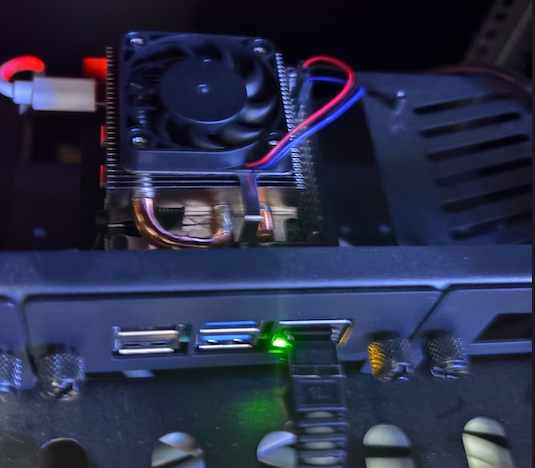
There wasn't much of a selection process. I already owned the Pis, so reusing them was the easiest way to get started without buying additional hardware.
They provide a compact way to run different workloads while leaving room to expand or change things later. For now, they're more than enough to get the lab going.
The Network
At 8U sits a TP-Link TL-SG1024DE, a 24-port Gigabit Easy Smart switch.
I wanted enough ports for all the devices in the rack, with the option to segment network traffic using VLANs. Twenty-four ports also leave some headroom for future devices, which is always preferable to discovering that you've run out of ports just after everything is neatly wired.
I initially planned to automate the switch configuration through an API, but I couldn't find a supported API for the job. For now, I configure it through the web interface instead. Given the relatively small configuration, manual management is a reasonable compromise.
It's not the automation-first approach I'd hoped for, but at least it gets the job done.
Keeping the Cables in Check
Cable management turned out to be the hardest part of the build.
I installed a 1U cable comb, a 1U patch panel with 12 keystone slots, and a 1U cable organizer at the rear. The goal was straightforward: keep connections organized and make it possible to trace, replace, or adjust cables without dismantling the entire rack.
The 400 mm depth made this harder than expected. Every additional cable competes for the same limited space, and working behind the installed components quickly becomes a puzzle.
The network connections use Cat7/Cat8 cabling, while power distribution is handled by an Infitronic INSV1002A 19-inch PDU.
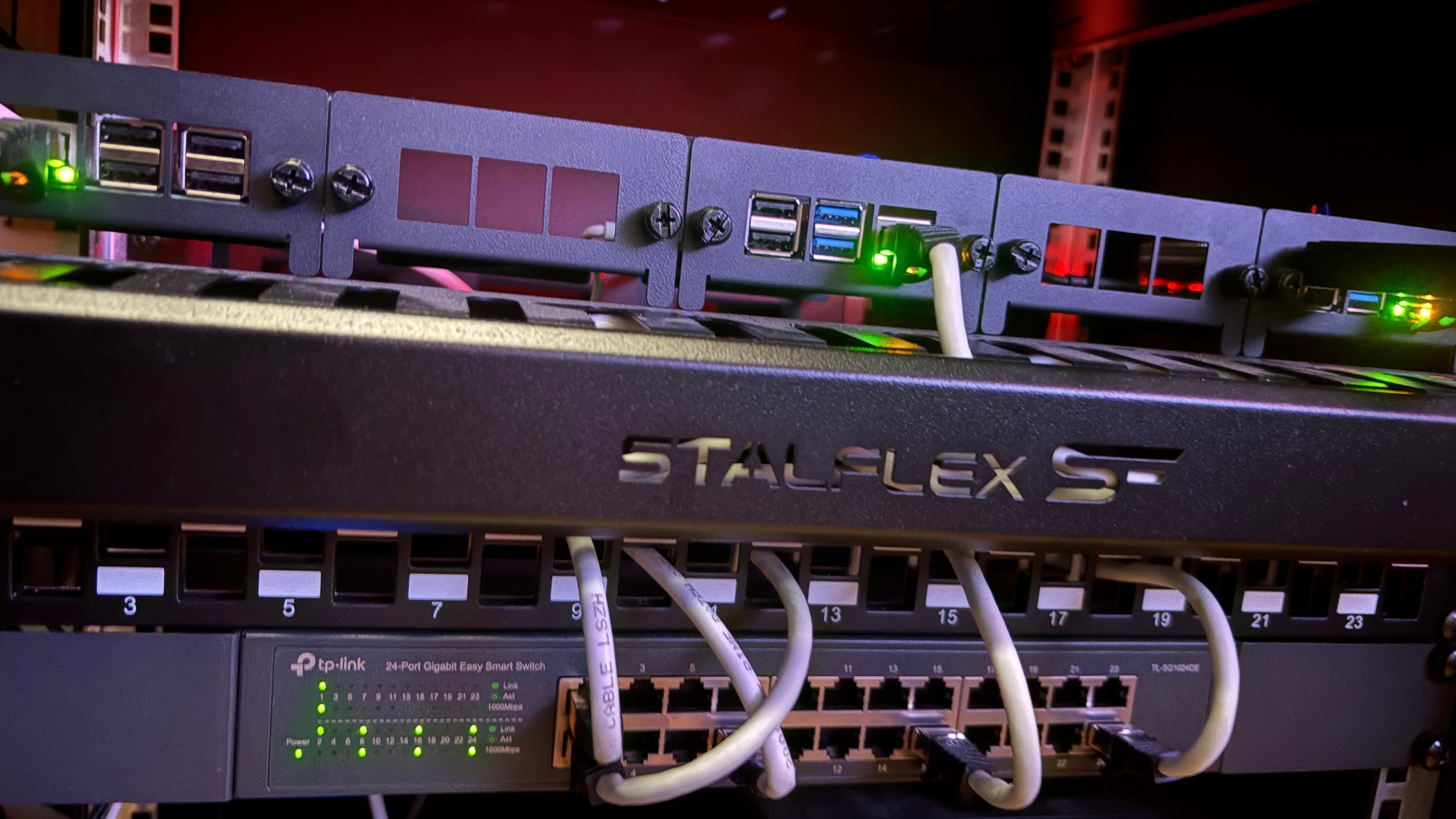
The result is a workable foundation, although there's still room to improve the routing as I add more devices.
A Little Room for Convenience
At 14U, there's space for my laptop and docking station.
Strictly speaking, neither belongs to the homelab itself. But the rack is also part of my workspace, and keeping them there saves space elsewhere.
A homelab should make life easier, not just look good in a rack diagram. Sometimes practical convenience wins over architectural purity.
Enough for Now
That's the current setup: Raspberry Pis for computing and OpenWrt, a managed switch for networking, and the necessary cable management and power distribution to keep everything usable.
I deliberately haven't filled every available unit. There's space between 3U and 7U for future computing hardware, while 12U is reserved for a second rackmount for the Raspberry Pis.
Before expanding further, though, there are a couple of practical things to sort out: keeping the dust out and protecting the equipment from curious little hands. My daughter is fascinated by the blinking lights and tempting buttons, so protective covers are probably next.
What's Next?
There's still room to grow, but hardware is only half the story.
With the rack assembled and the components in place, it's time to make everything work together. That's where Script Happens, a new series here at The Vrain Lab, comes in.
I'll be moving up the stack to configure the network, automate OpenWrt with Ansible, and bring the cluster to life with k0s.
The metal is in place. Now let's see what the scripts can do.
Comments
Join the discussionNo comments yet. Be the first to comment.